
Descripción
RPP Region Importer – grandMA3 Plugin
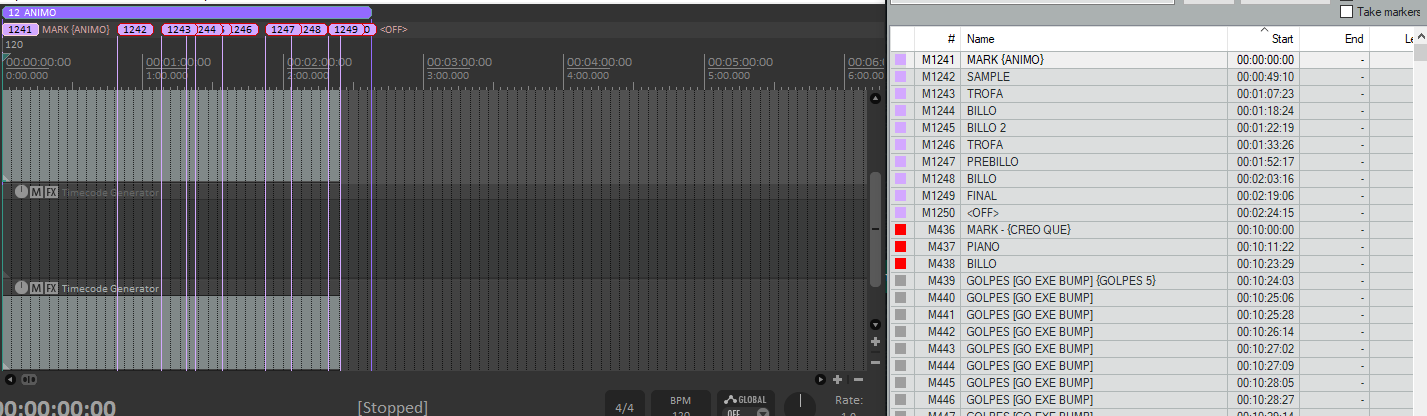
RPP Region Importer streamlines importing Reaper regions and markers into grandMA3 by:
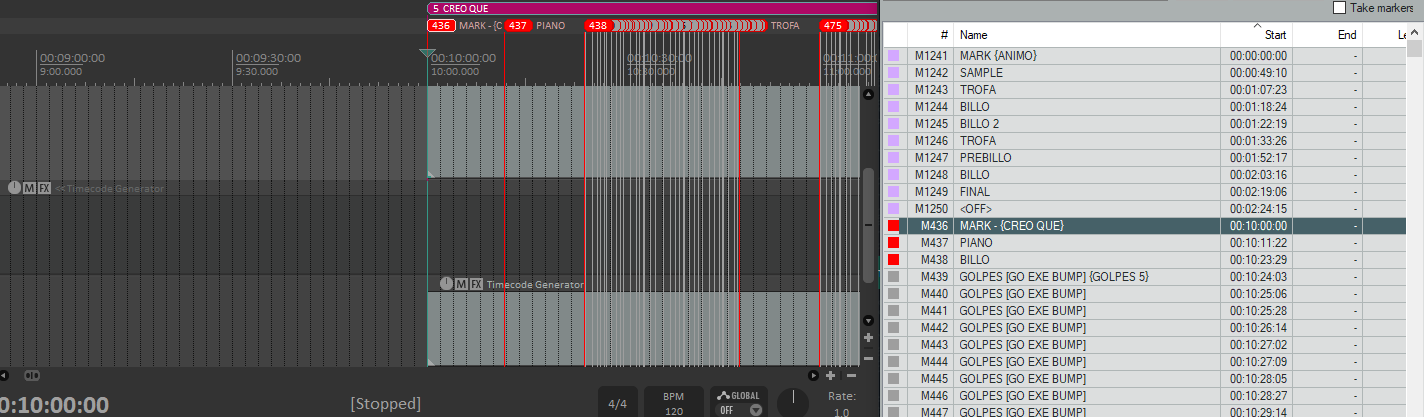
- Parsing .rpp files to extract MARKER entries, derive named regions and loose markers.
- Grouping markers by region and by their Reaper color value.
- For each distinct color group:
- Creates a new Appearance colored to match the Reaper region.
- Creates a new Sequence (with user‐defined base ID) and labels cues automatically.
- Extracts
{…}names for sequences and strips them from cue labels. - Parses
[…]commands inside markers and assigns them to each cue’sCommandproperty.
- Builds a single Timecode (with user‐defined ID and name) containing one <Track> per color group, pointing at its Sequence.
- Auto‐generates and writes the required XML into the MA3 datapool, then
CD Timecode&Import Libraryfor seamless integration. - Supports an optional start‐time offset on all cues to align Reaper timing with your show timeline.
Instructions:
1. Place your .rpp files into your MA3 “datapools/timecodes” folder.
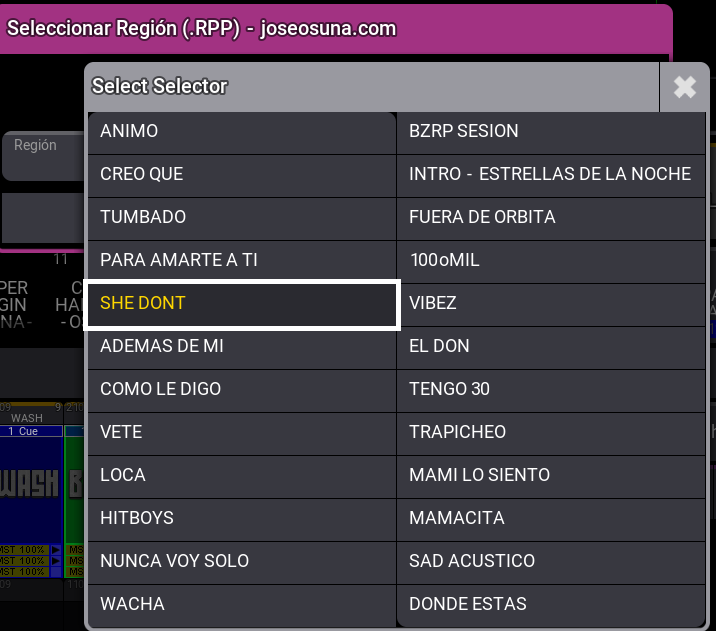
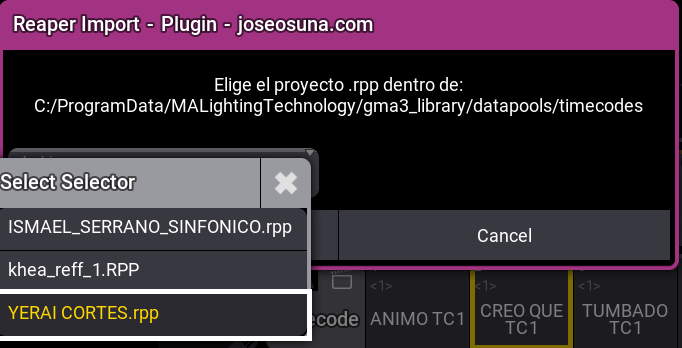
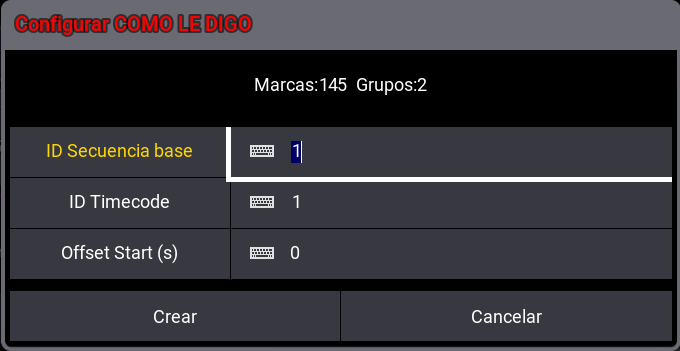
2. Run the plugin: select the .rpp → choose region → enter base Sequence ID, Timecode ID & offset.
3. Watch grandMA3 auto‐create Appearances, Sequences & Timecodes—all colored and labeled to match your Reaper project.